
Elda

Yönetici
Game Master
- Katılım
- 7 Kas 2024
- Mesajlar
- 119
- Puanları
- 18


NEW FEATURES
1) Character login screen updated.
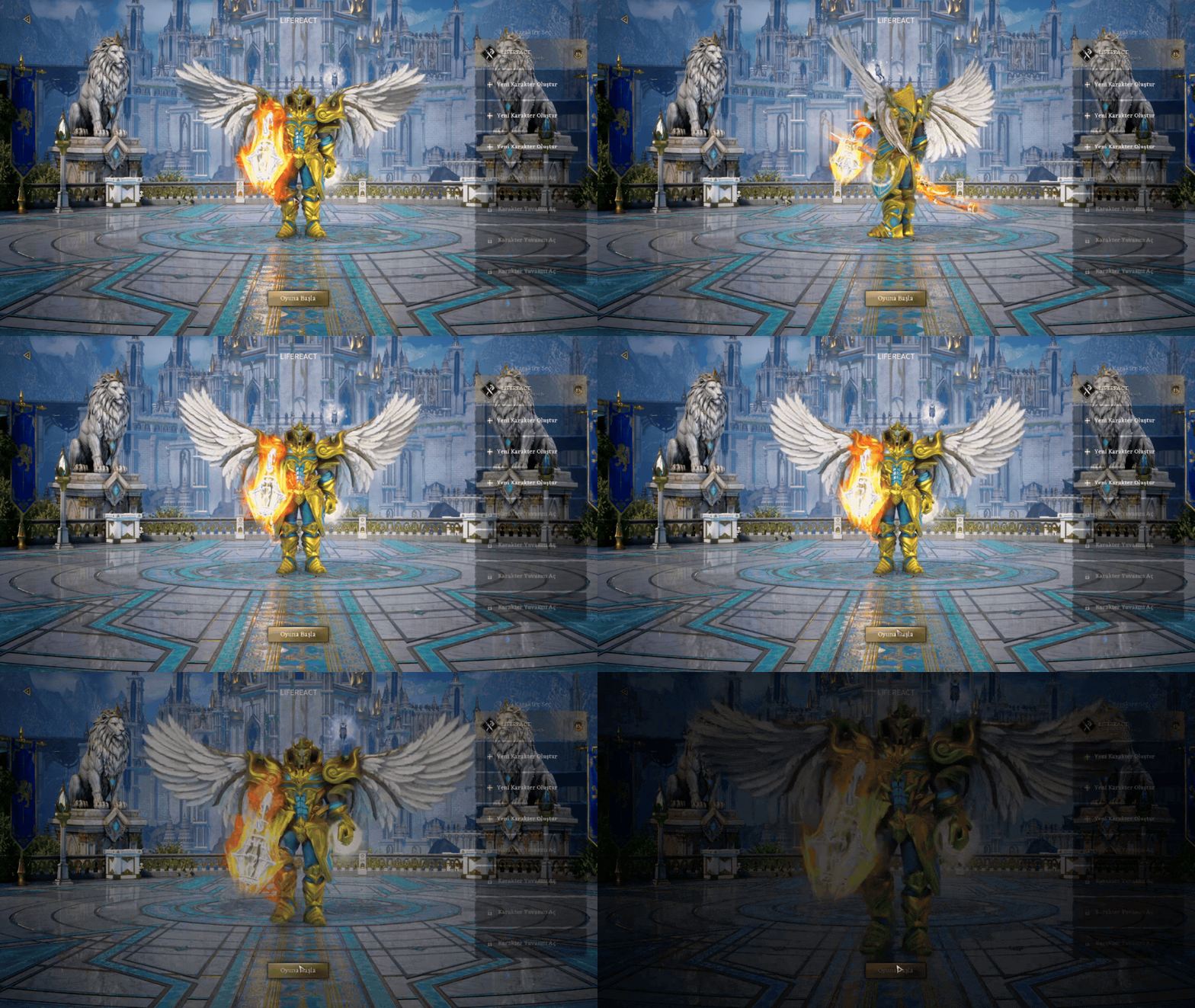
The character login screen now displays your equipped items.
You can now rotate the view around your character on the login screen.
Your character will now walk toward the screen when you enter the game.
2) The Hunt event is now active!
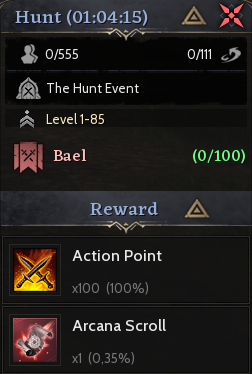
1-Complete the event within the specified time to receive a guaranteed reward or an item from the reward pool.
The event types are listed below.
Gathering Event
Fishing Event
Kill Event
Item Loot Event
Exp Event
Rewards will be determined by the event's content.
The required kill count varies depending on your selected skill tree. For example, an archer may need 30 kills, while an assassin may need 10 kills.
When the event is active, the icon below appears in the upper-right corner of your screen.

3) R attack FX have been added to weapons with +7 or higher FX. (Common and Rare items are excluded.)
Example weapon visuals are shown below.
Stormbringer
↓
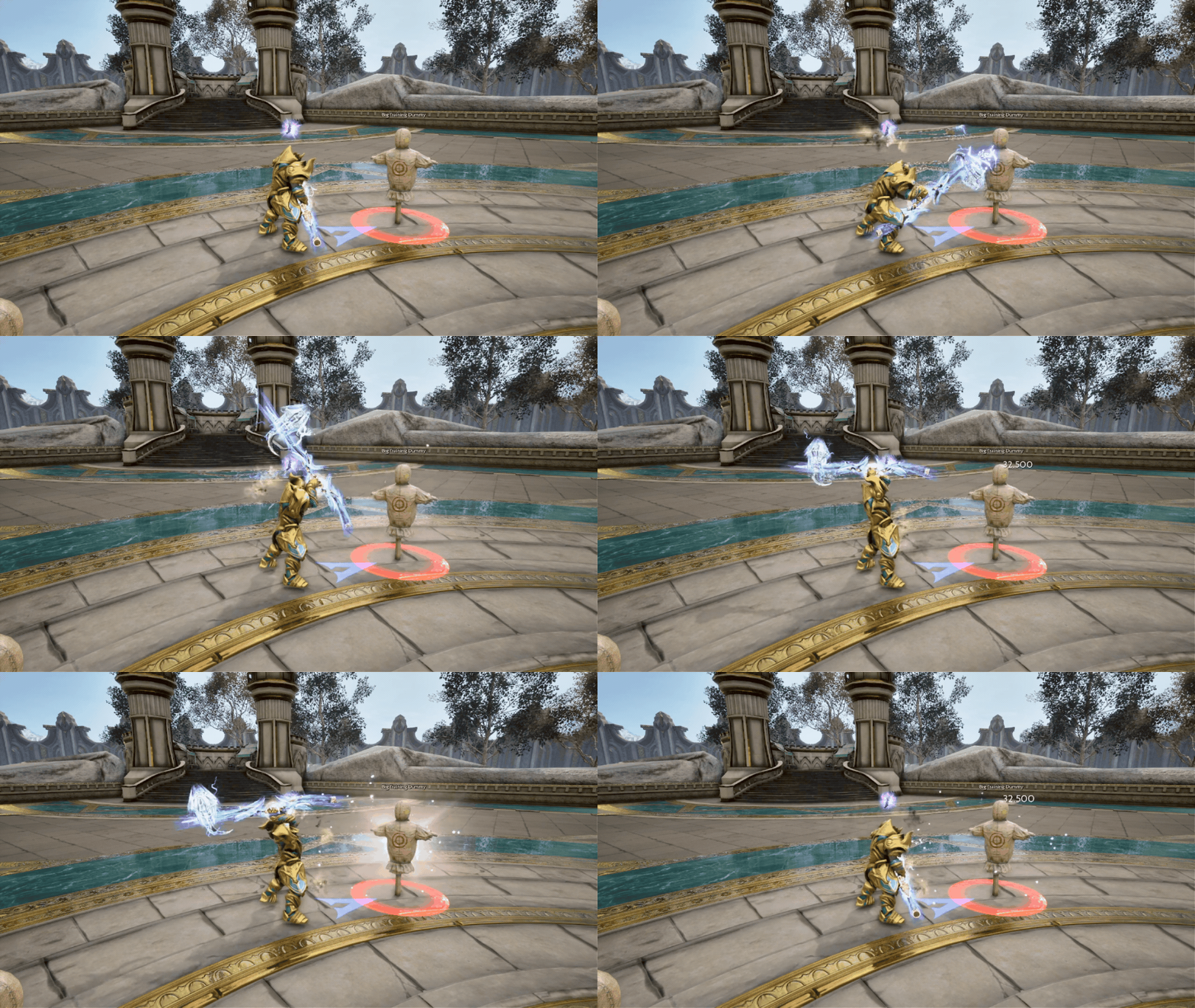
Ancient Sledgehammer
↓
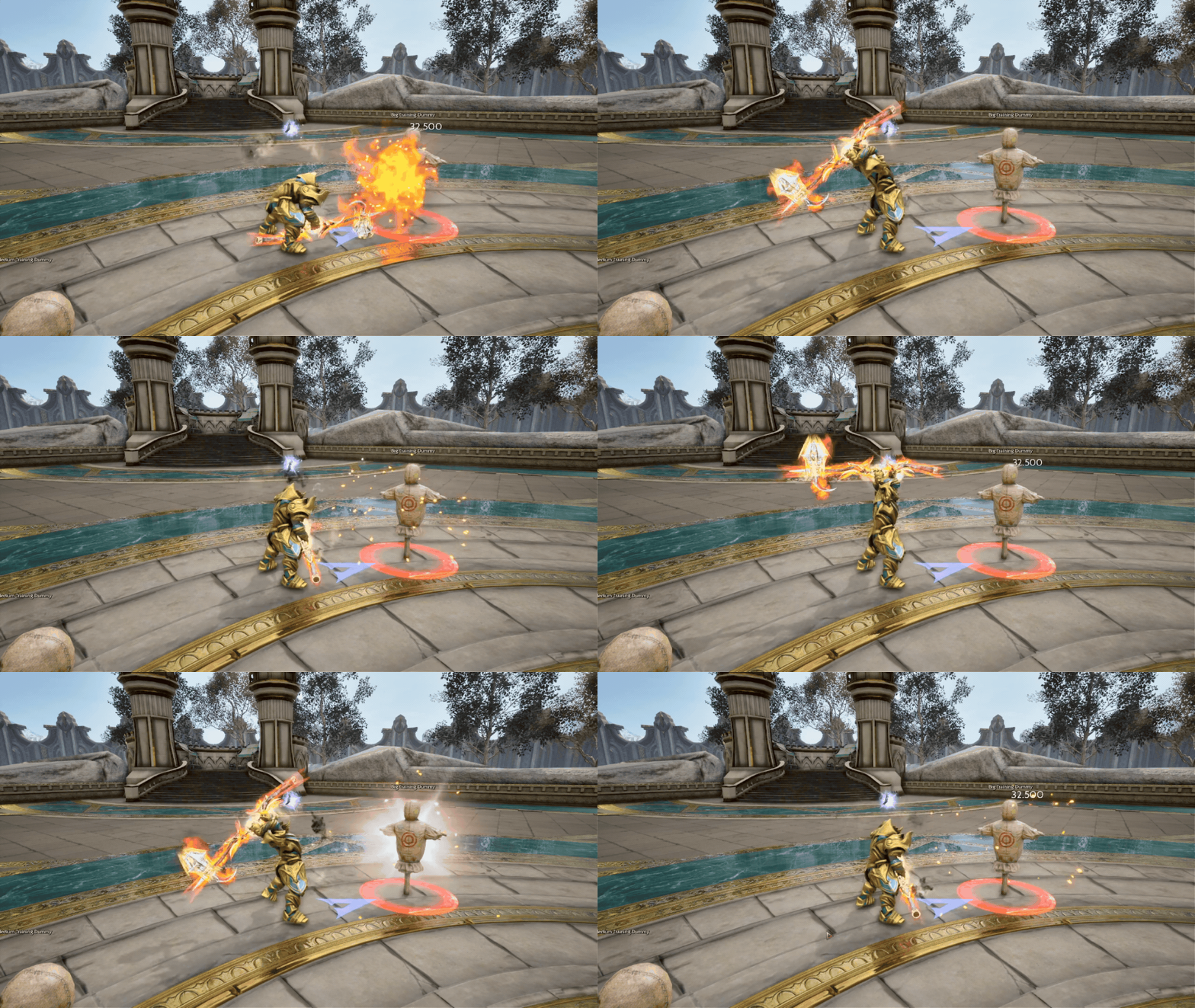
Overseer
↓
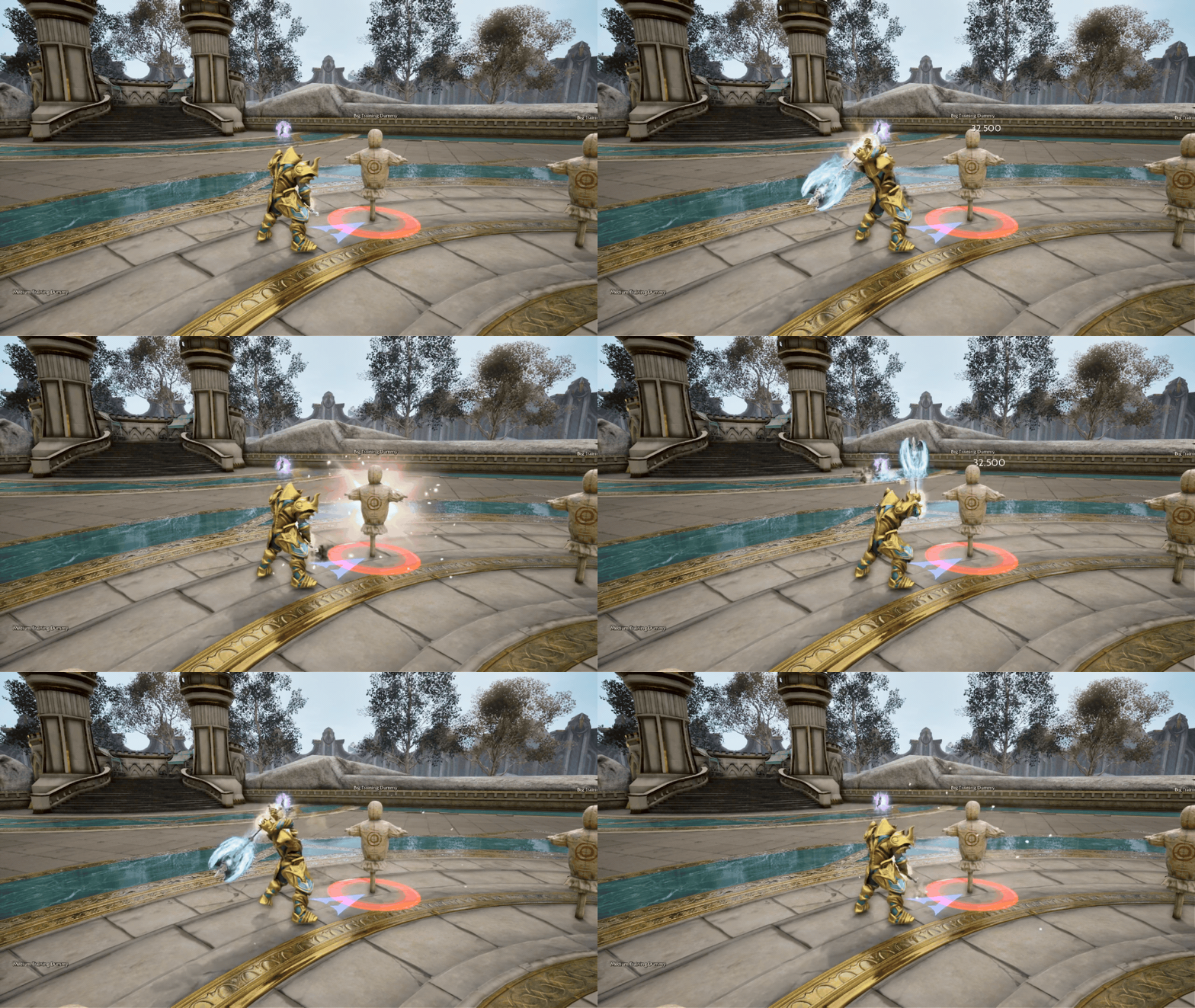
War Scythe
↓
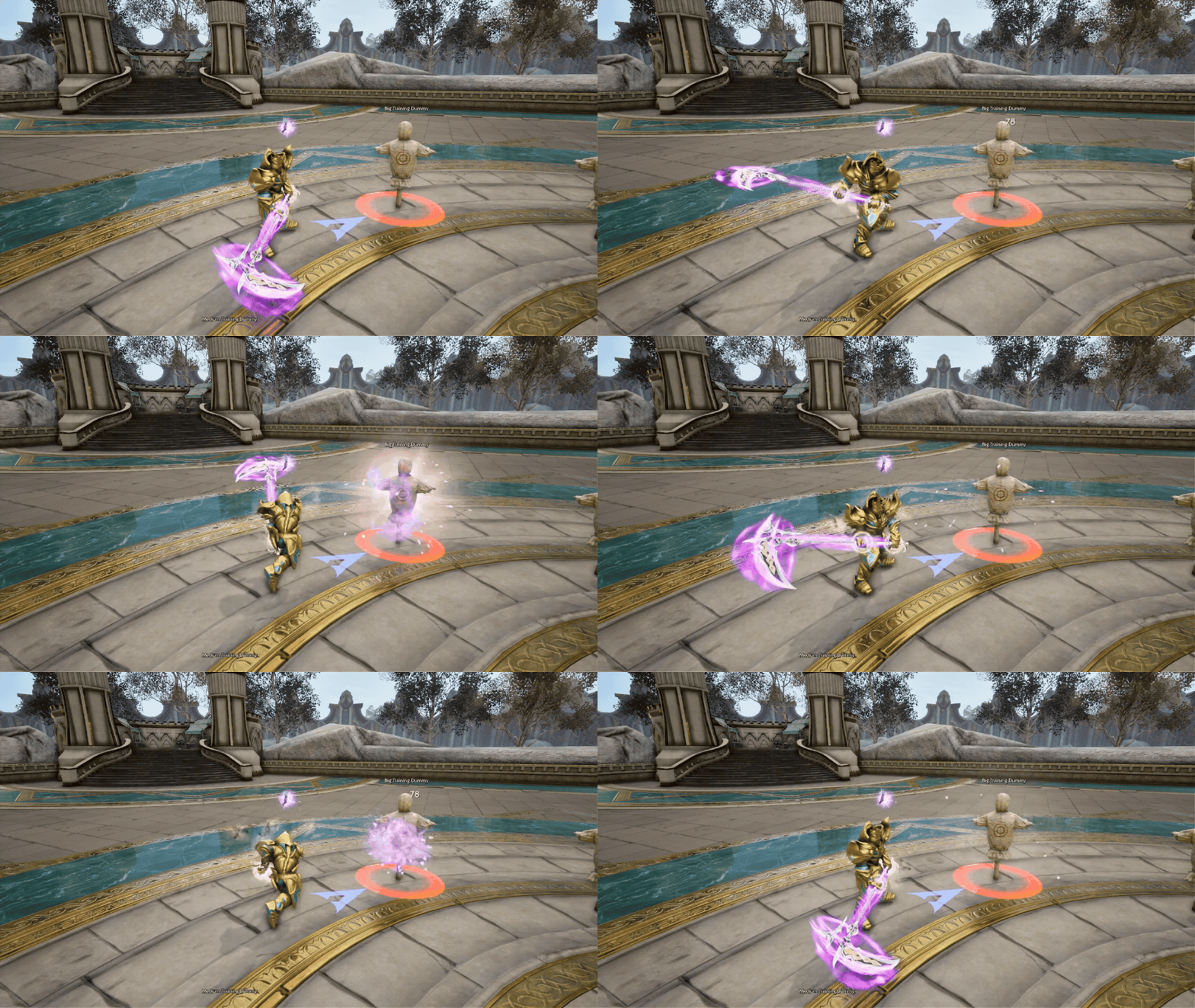
The effect displayed on +1 to +6 weapons without FX is shown below.
↓
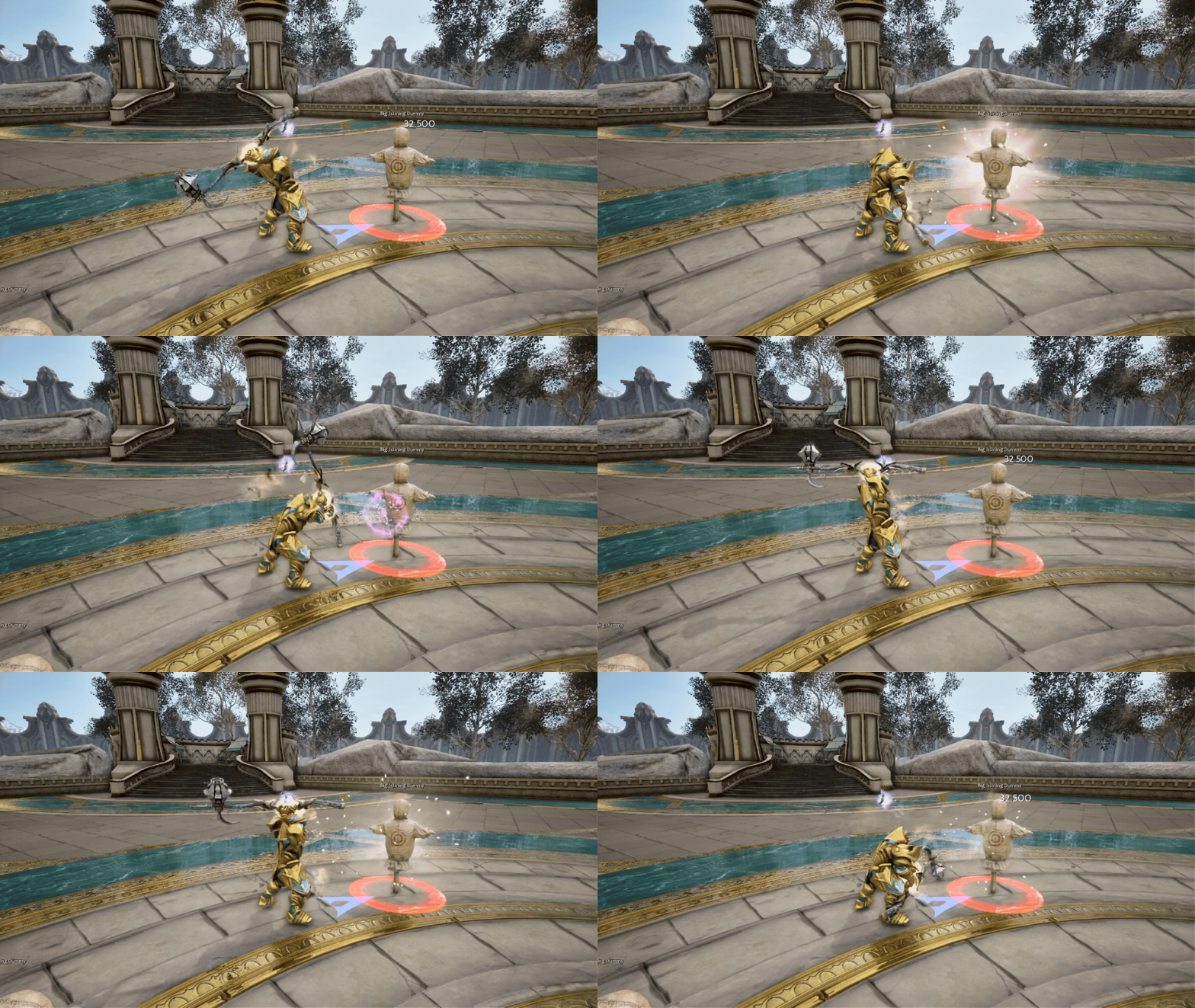
4) F12 Client Resource-Saving Mode has been added to the game.
This feature lets you hide the game window to minimize RAM and CPU usage while you are AFK or performing activities such as fishing and crafting.
Press F12 to enable resource-saving mode. When the mode is active, the game client appears as an icon in the notification area at the bottom-right of the Windows taskbar.
An example of the icon is shown below.

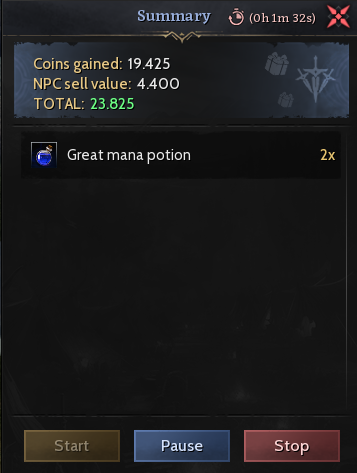
5) The Farming Summary system is now active.
This system lets you track time and view a summary of the drops you obtain on average while farming.
Press Start to begin.
Press Pause to pause temporarily.
Press Clear to reset.
NOTE: The system resets automatically when you change zones.
Where can I find it?
You can access it through the "i" icon next to the R.O.W. Assistant icon.
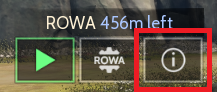
An example of the tab is shown below.
ADJUSTMENTS & FIXES
1) An Animation Optimization option has been added for players with lower-spec hardware.
To enable it, check Settings --> Video Settings --> Animation Optimization.

2) Fixed an issue that prevented sending a private message through the clan window to a clan member on a different map.
3) Removed the zone, clan, party, alliance, and global labels shown at the beginning of chat messages.
4) Fixed an issue that prevented the clan application and clan ranking features from opening.
5) Added an option under Settings/Gameplay to disable the screen effect that appears when entering a portal stone's area.
To enable it, check Settings --> Gameplay Settings --> Disable Portal Screen Effects.

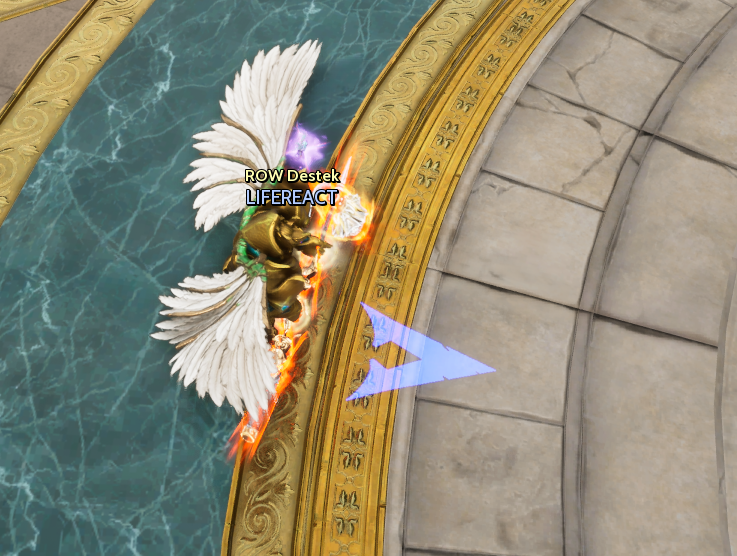
6) Added an effect that shows the direction the targeted character is facing.
The visual is shown below.
7) Updated the R.O.W. Assistant effect.
The new effect is shown below.

8) Fixed an issue where the gathering icon would not activate when approaching a gathering resource.
9) Fixed an issue where the selected clan cape was not displayed.
10) Fixed an issue where key bindings were not saved.
11) Fixed an issue where selling stackable items to an NPC displayed 0 coins.
12) Fixed an issue that occurred when adding buff skills while R.O.W. Assistant was active on the Priest class.
13) Work has been carried out to address the skill bar shifting issue.
14) The inventory tab now closes automatically when trade transactions are performed.
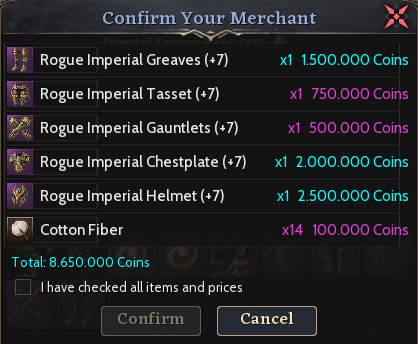
15) Added an information screen that lists item prices for review when setting up a selling or buying stall.
16) Fixed an error that occurred when revoking a character's assistant role in the clan system.
17) Fixed an issue where the Unique Fishing Rod was not visible in the character's hand.
18) Fixed an issue where the Unique Stonehammer was not visible in the character's hand while gathering.
19) Fixed an issue where Enhanced Rogue Imperial Greaves 8.1 were not visible when equipped.
20) Added language packs. (Languages: Turkish, English, Spanish, German, French, Russian, Korean)
21) Added Exceptional Gemstone > 3x Flawless Gemstone conversion recipes to the "Others" crafting category.
22) Added recipes under "Rare Stone Exchange" in the "Others" crafting category to convert rare stones into gemstones.
23) Updated the Legendary Tool recipes in the Weapon Smithing profession.
24) Updated Lv40 and higher recipes in the Jewel Crafting profession.
25) Updated the sizes and color tones of some gathering objects.
26) Corrected an error in the repair costs of "Legendary" gathering tools.
27) Replaced the Flawless Amethyst drop from the Ancient Excavation Site resource with Rare Amethyst.
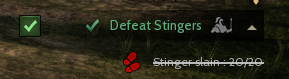
28) The relevant creature's name is now shown with a strikethrough when the quest is completed.
29) Fixed a visual issue that occurred after gathering Golden rain.
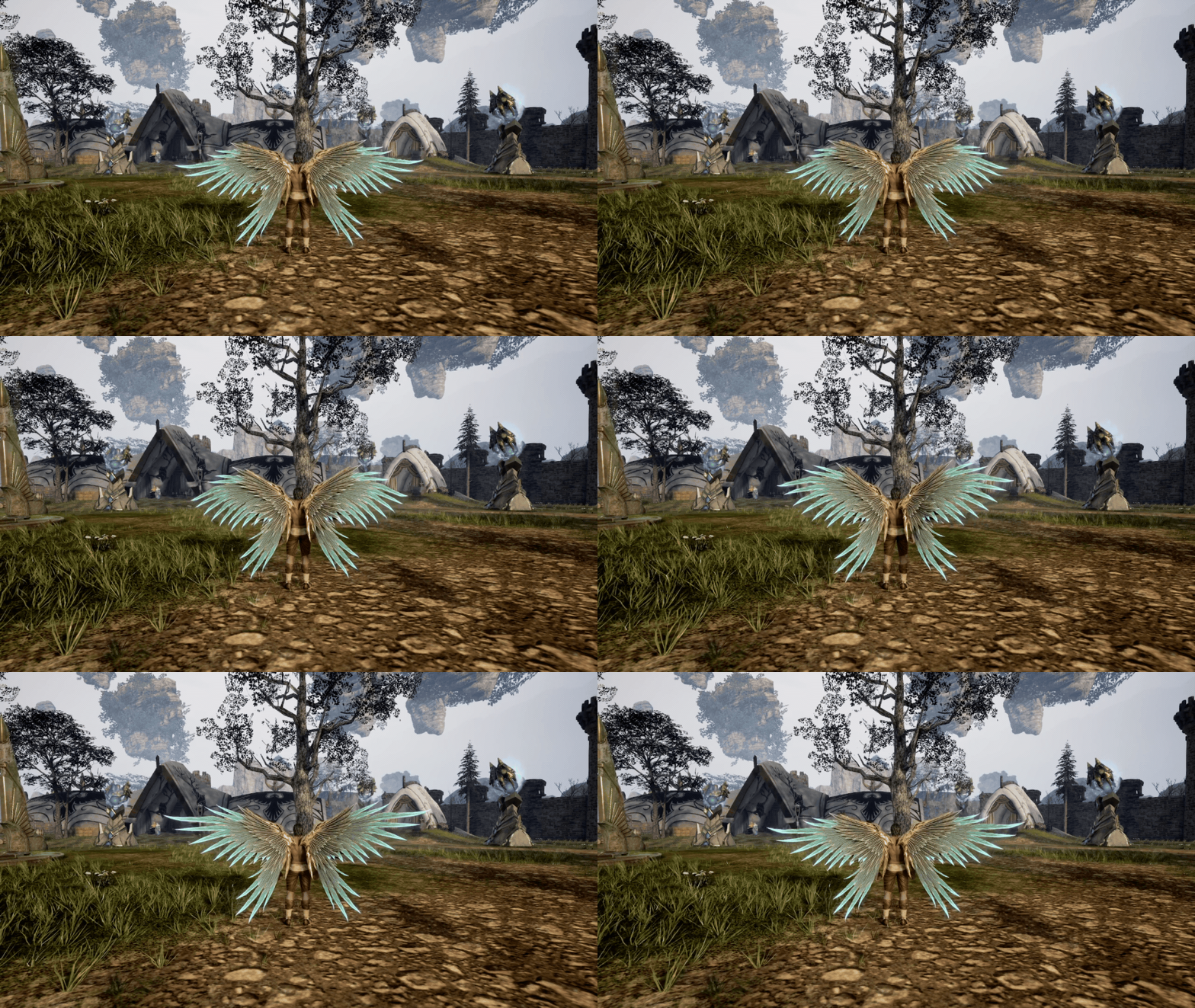
30) Updated the appearance of Jadeflare Wings.
The new appearance is shown below.
31) Updated the friendly, party, creature, and enemy icons on the minimap.
32) Changed the R.O.W. Assistant shortcut key to F10.